
18 cards and counting
Card art for Apple Wallet, curated and shared
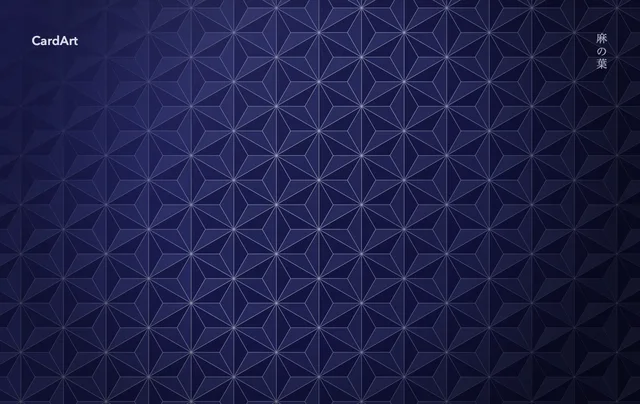
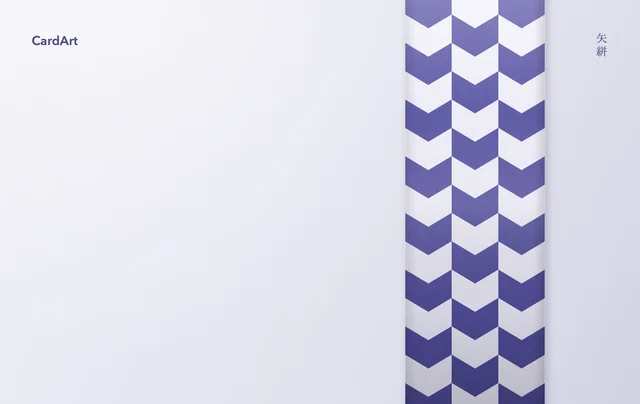
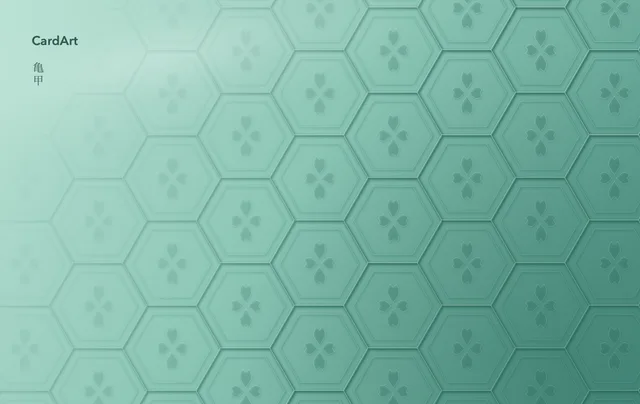
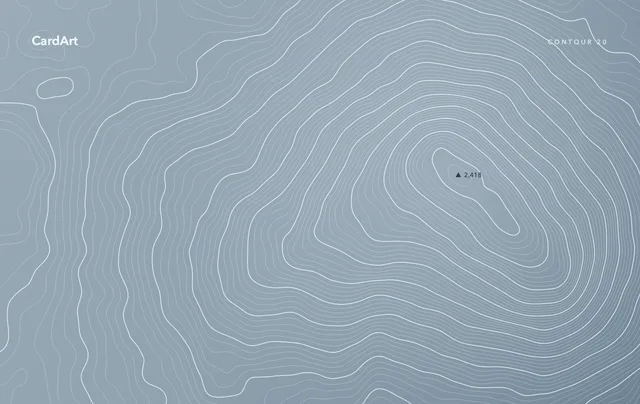
Free 1536×969 originals, ready to apply to Apple Wallet with AirCard.


Featured
Browse by card type
Latest









A new card face in three steps
No jailbreak needed. To go back, remove the card from Wallet and add it again.
Requirements
- iOS 18 or later
- with AirCard on a Mac (macOS 14+)
- iOS 27 or later
- right on iPhone with AirCard-iOS
Wallet