No card yet? Start with a Plasma crypto card
A pick from the site owner: a stablecoin-funded Visa card you can add to Apple Wallet. Background, cashback, fees and how to sign up, with the owner’s invite code.
- About 3 min
- 5 steps
- Sponsored
- Updated September 26, 2026
Before you start
- Region
- Mainland China IDs are blocked by default, and some countries aren’t supported
- Invite code
- 3C98NT
Steps
Step 1: If you don’t have a card yet
The art on this site goes onto a card that’s already in Apple Wallet. If you don’t have one you can add yet, Plasma One could be your first crypto card.
TipThis is a promotion: the invite link and code 3C98NT here are the site owner’s own, and the owner may earn rewards if you sign up with them. Spend $100 across at least two different merchants within 14 days of redeeming the code, and you and the owner each get $10 in spend credit (for card spending only, not withdrawable). CardArt isn’t affiliated with Plasma.
Step 2: What Plasma One is
Plasma is a blockchain built for stablecoin payments, and its token is XPL. Plasma One is its app and card, with your balance in USD₮. The card is a Visa card issued by Rain, and you can add it to Apple Wallet if your registered country of residence supports Apple Pay. For more, see the Plasma One website(opens in a new tab).
Step 3: Cashback and fees
Card spending earns cashback in XPL across three tiers — Lite, Core and Platinum — and higher tiers earn more. XPL’s price moves, so the value of your cashback isn’t fixed.
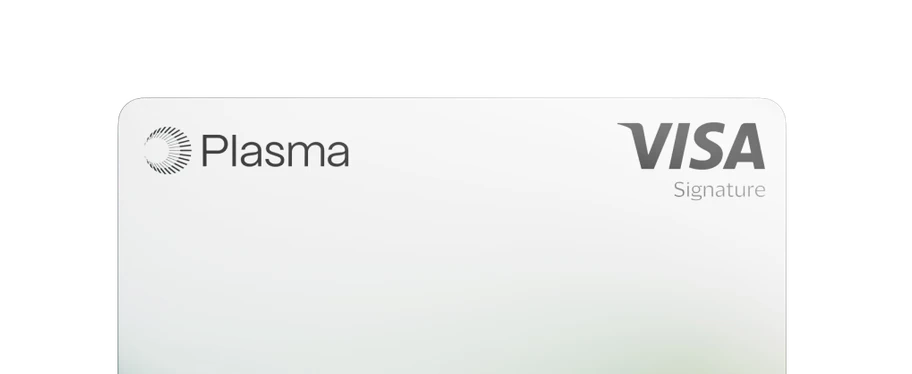
Lite
Start spending with Plasma
- Base cashback
- 2%
- AI cashback
- —
Annual cost: free in most regions
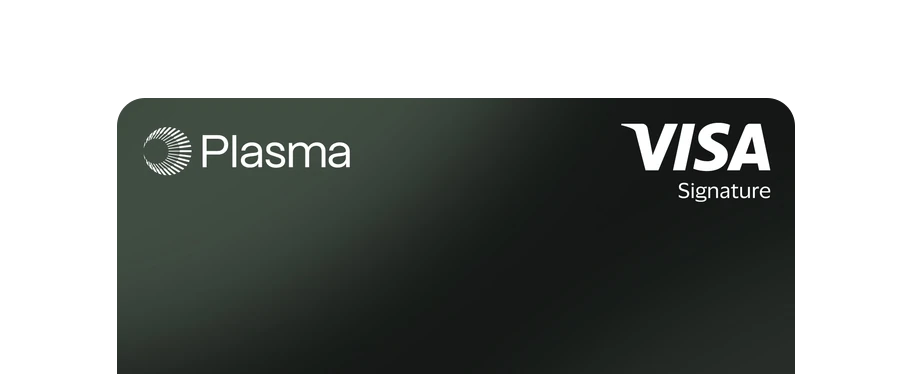
Core
Built for everyday AI spending
- Base cashback
- 3%
- AI cashback
- 5%
Annual cost: $199, or lock 20,000 XPL for a year
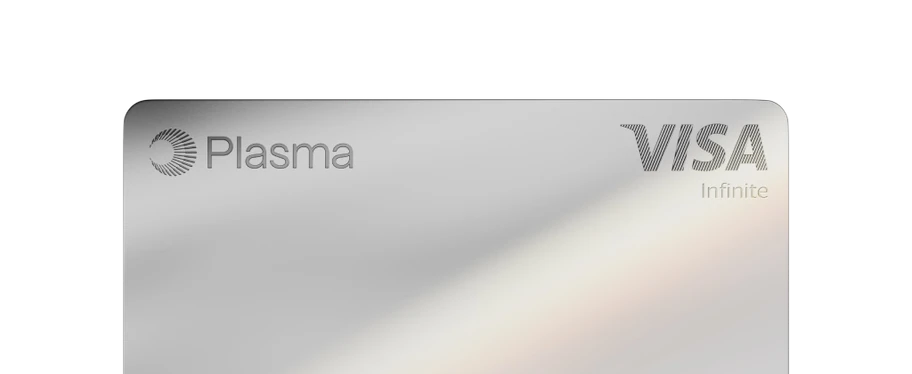
Platinum
For those who never settle
- Base cashback
- 4%
- AI cashback
- 10%
Annual cost: lock 100,000 XPL for a year
These rates apply to the first $500 (Lite), $1,000 (Core) or $3,000 (Platinum) you spend each month, and drop after that. Card images are from Plasma’s website; tiers and costs are as shown in the app. - Getting a card
- Lite: deposit $10 first (not a fee — you can spend it); some regions charge a $10 card fee instead, as shown in the app
- USD purchases
- No additional fees
- Foreign currency
- Lite: about 2% (1% Plasma markup plus about 1% to Visa); Core: about 1.5%; Platinum: none
ImportantPlasma isn’t a bank, stablecoin balances aren’t bank deposits, and XPL can fall to zero. This isn’t investment advice; follow the laws where you live.
Step 4: Sign up with the invite link and verify your identity
Open the owner’s invite link(opens in a new tab), then download Plasma One and sign up; if you’re asked to type the code, it’s 3C98NT. Then follow the app to upload an ID and complete a liveness check. Once approved, you can get a virtual card.
Scan with your phone’s camera to open the invite link on your phone.
Done
Links
- Plasma One download (owner’s invite link)www.plasma.org/download/3C98NT(opens in a new tab)
- Plasma One websitewww.plasma.org/personal(opens in a new tab)
- Fees (Plasma Help Center)intercom.help/plasma-6c43763cd799/en/articles/15506070-what-are-the-fees-on-plasma-one(opens in a new tab)
- Cashback rates (Plasma Help Center)intercom.help/plasma-6c43763cd799/en/articles/15506768-cashback-rates-and-spend-bands-by-tier(opens in a new tab)
- Supported countries (Plasma Help Center)intercom.help/plasma-6c43763cd799/en/articles/14703938-which-countries-and-us-states-is-plasma-one-available-in(opens in a new tab)